Home / Services / UI/UX Design
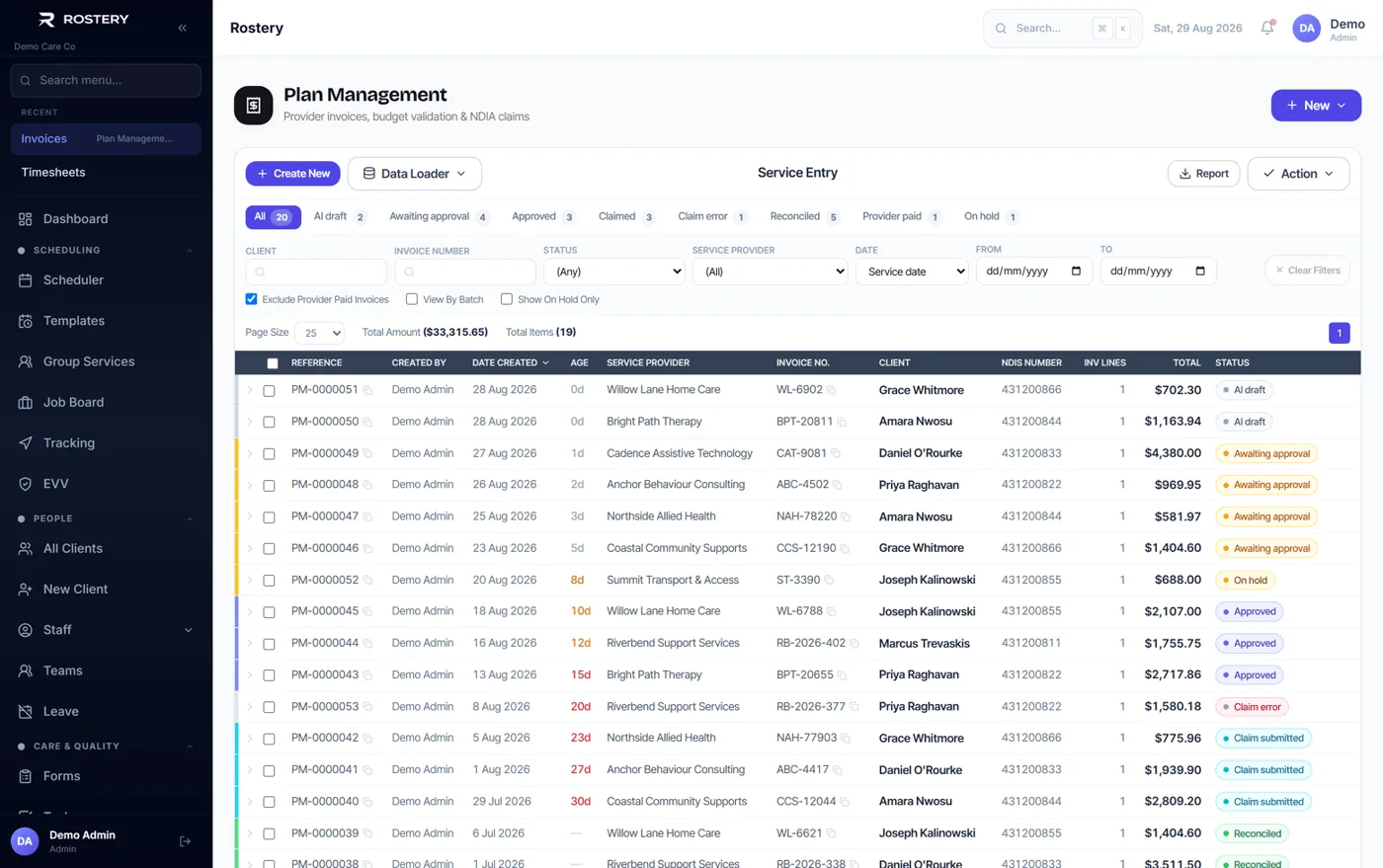
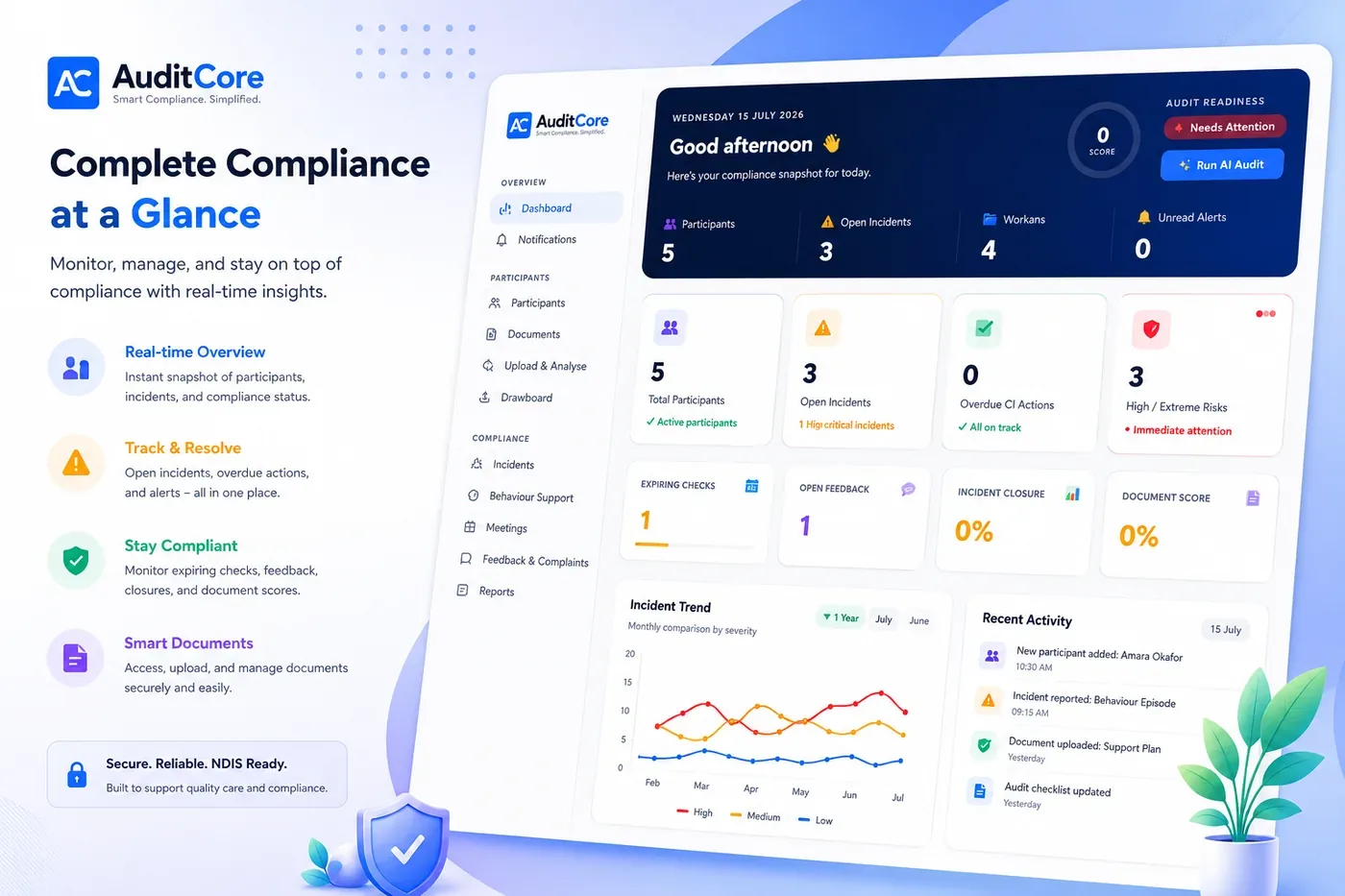
Good software starts with design. Notion Tech researches how people work, then designs clear screens, clickable prototypes and design systems for apps, SaaS products and websites. Because we also build software, every design is realistic to develop and ready for handover.
Fewer clicks, fewer mistakes, fewer support calls.
Interviews and walk-throughs with the people who will actually use the software.
The structure of every key screen, agreed before visual design starts.
Realistic prototypes you can test with users and investors.
Premium interfaces in your brand, for web and mobile.
Reusable components and rules that keep every screen consistent.
An expert review of your current product with prioritised fixes.
Designs that look great but cannot be built on time are expensive. Our designers work next to our developers, so every screen is realistic, every state is covered (empty, loading, error) and the handover includes the details developers need.
We design the hard parts first: the screen people use fifty times a day, the form that causes most errors, the first five minutes for a new user. Getting those right matters more than any decoration.
We design with readable contrast, clear focus states, sensible text sizes and keyboard support, following WCAG guidance. Accessible software is easier for everyone to use, not only people with disability.
WCAG-minded colour and type
Mobile-first layouts
Every state designed
Developer-ready handover
Fixed scope, fortnightly demos, no surprises on price.
01
Research users, tasks and pain points.
02
Wireframes and flows for the key journeys.
03
Visual design and a clickable prototype.
04
Test with real users and refine.
05
Design system and developer handover.
Figma
FigJam
Prototyping
Design systems
Accessibility (WCAG)
Usability testing
React components
Still have a question? Talk to us.
UX (user experience) is how the software works: flows, structure and ease of use. UI (user interface) is how it looks: layout, type, colour and components. We do both together.
Both. You can hire us for design only, or for design and development together, which keeps handover simple.
Yes. We start with a usability review of the current product, fix the biggest problems first and redesign in stages to avoid disruption.
Figma for design and prototypes, with a component library that maps to the React components developers build.
A focused design for a new product usually takes 2 to 6 weeks before development starts, depending on the number of screens.
Tell us what you need. You will get honest advice and a clear next step.
Free first call. No obligation.