An AI agent is software that understands a request, decides what to do within rules you set, and completes the task in your systems. For a small business that usually means answering customers, booking jobs, reading documents and updating records without someone typing it all in. This guide covers what agents do well today, where they still need a person, what they cost to run and how to start safely. If you want one built, see our AI agents and automation service.
What makes an agent different from a chatbot
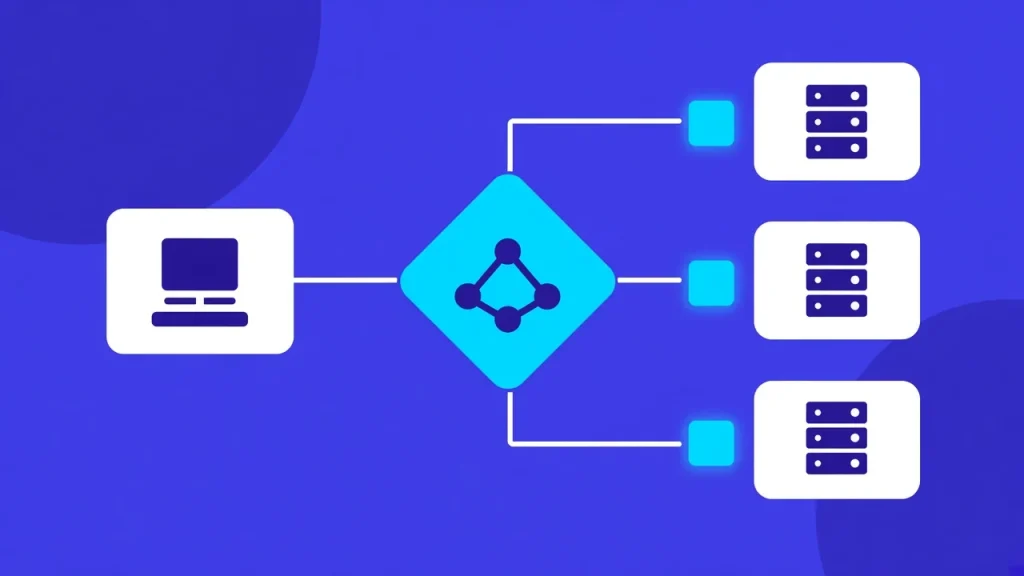
A chatbot answers questions. An agent also acts: it can check your calendar and book a slot, look up an invoice and send a reminder, or read a PDF and create a record. It does this through tools you allow it to use, and it follows rules about what it may do on its own and what needs approval.
That difference matters. A chatbot that says “please call us to book” saves you nothing. An agent that books the appointment, texts the confirmation and logs it in your system has finished the job.
A chatbot
- Answers questions from a script or your FAQ
- Sends people to a form or a phone number
- Knows nothing about your calendar or records
- Saves a little reading
An AI agent
- Understands the request in plain language
- Checks your calendar, CRM or accounts
- Books, updates or sends, within rules you set
- Leaves a record of what it did
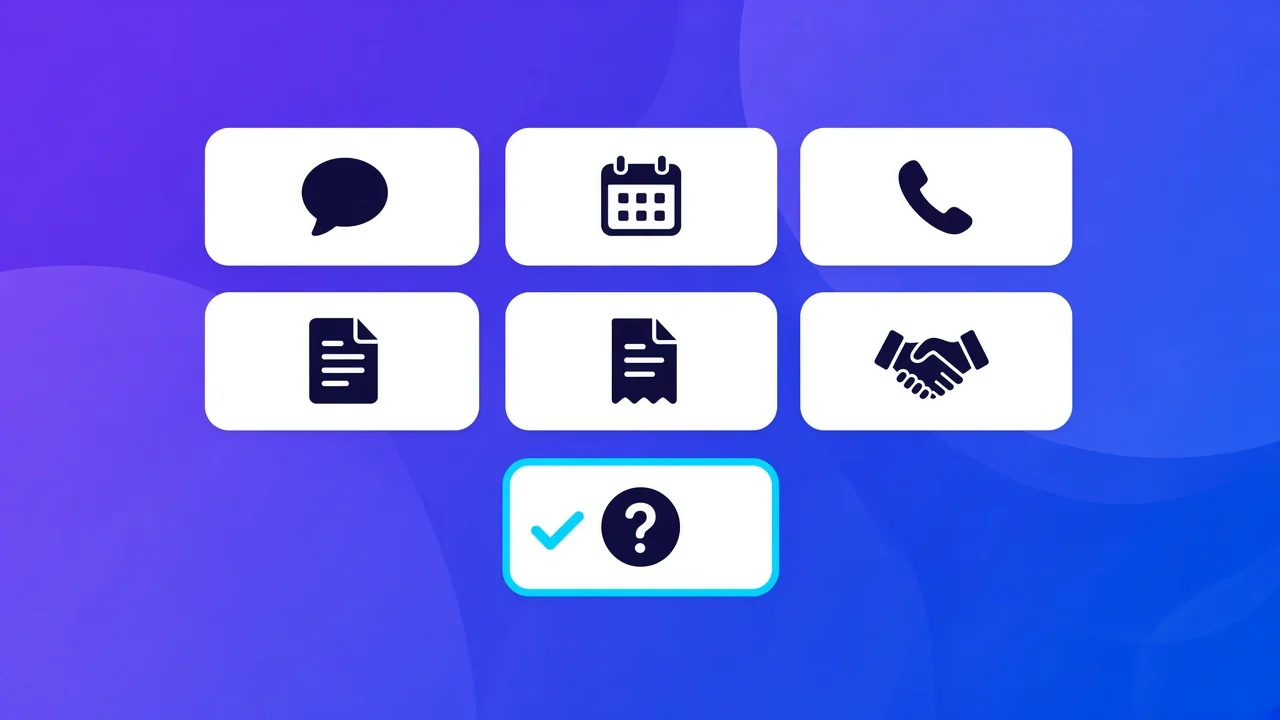
Seven jobs AI agents do well
1. Answering common questions
Opening hours, prices, service areas, what to bring, how to pay. An agent grounded in your own policies and price list answers these on your website, by email or on WhatsApp, at any hour, in the same words your best staff member would use.
2. Booking and rescheduling
Connected to your real calendar or booking system, an agent can offer free times, make the booking, send the confirmation and handle the “can I move it to Thursday?” messages that eat up a receptionist’s day.
3. Answering the phone after hours
An AI phone receptionist picks up every call, answers routine questions, takes a clear message and sends you a written summary. Urgent calls can be transferred to a person.
4. Reading documents
Invoices, referral forms, applications and receipts can be read into clean, structured data. The agent flags anything it is unsure about, and a person approves the result before it is saved.
5. Chasing unpaid invoices
Polite reminders at set intervals, with the invoice attached and a payment link, stop when the invoice is paid. Most businesses find this alone recovers hours each month.
6. Qualifying leads
An agent can reply to a new enquiry within a minute, ask the three or four questions you always ask, and hand the good leads to you with a summary and a suggested next step.
7. Answering staff questions
“What is our cancellation policy?” “How do I process a refund?” An internal assistant that searches your procedures gives new staff answers without interrupting anyone.
| Job | The agent does | A person still does |
|---|---|---|
| Common questions | Answers from your policies and price list, at any hour | Updates the answers when things change |
| Bookings | Offers free times, books, confirms and reschedules | Handles unusual requests |
| After-hours calls | Answers, takes a message, sends a summary | Calls back anything urgent or sensitive |
| Documents | Reads invoices and forms into clean records | Approves anything the agent flags |
| Unpaid invoices | Sends polite reminders with a payment link | Decides on payment plans and disputes |
| New leads | Replies within a minute and asks your standard questions | Has the sales conversation |
| Staff questions | Finds the answer in your procedures | Keeps the procedures current |
What still needs a person

Agents are not good at judgement calls with real consequences: refunds, complaints, clinical or legal advice, and anything where a wrong answer costs money or trust. The right design sends those to a person, with the conversation summarised so they can act quickly.
It also helps to be honest with customers. Saying at the start that they are talking to an AI assistant, and offering a person when they ask for one, keeps trust high.
What does an AI agent cost to run?
There are two costs: building it and running it. Building is a small project when the agent has one clear job and one or two systems to connect. Running costs depend on volume, because AI models charge by usage, and for phone agents there are call minutes too. For most small businesses the running cost is far less than the staff time it replaces, but it should be estimated from your real numbers before you start.
How to start without risk
- Pick one repetitive task that takes hours every week.
- Write down the rules: what the agent may do alone, and what needs approval.
- Ground it in your own documents and data, not general internet knowledge.
- Run it with a person reviewing every action for the first weeks.
- Measure the result, then widen what it can do.
Questions to ask before you buy or build
Whether you buy an agent off the shelf or have one built, the same five questions separate a safe setup from a risky one.
- What exactly can it do without asking a person first?
- Which of our systems does it connect to, and with what level of access?
- Where is our data stored, and is it used to train anyone’s model?
- What happens when it does not know the answer?
- Can we see a log of everything it did?
How we use agents ourselves
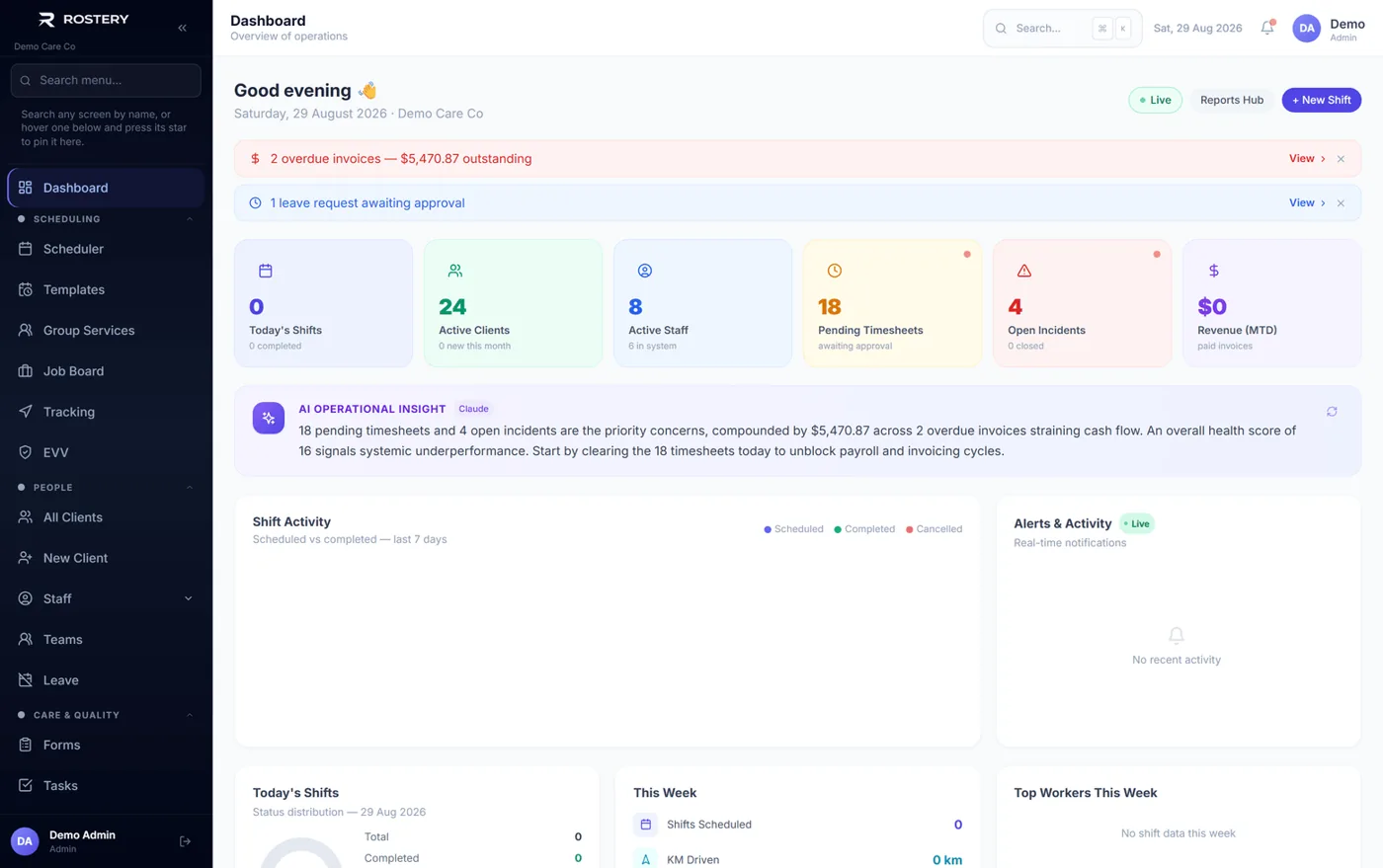
Our own products use AI every day. Rostery reads documents and answers phone calls for care providers, and AuditCore reviews compliance evidence against the NDIS Practice Standards. In both, people stay in charge of the important decisions and every AI action is logged. We build client agents with the same safeguards.
The short version
Start with one boring, frequent task. Give the agent your own information, clear limits and a human reviewer. Measure the hours it saves. Then add the next task. That approach gets real value from AI without the risks that make headlines.
Want an AI agent for your business? Talk to Notion Tech about your first agent →