The cost of an app in Australia depends on how many screens and features it has, whether it needs accounts, payments and maps, what systems it connects to, and whether you need iPhone, Android or both. A focused first version costs far less than a full platform. This guide explains what drives the price, the costs people forget, and how to get a quote you can rely on. For our approach, see mobile app development.
Why there is no single price
Asking what an app costs is like asking what a building costs. A garden shed and an office tower are both buildings. An app with five screens and no login is a small project. An app with customer accounts, payments, live maps, an admin system and integrations is a large one. The useful question is: what is the smallest app that solves the problem?
The six things that drive app cost
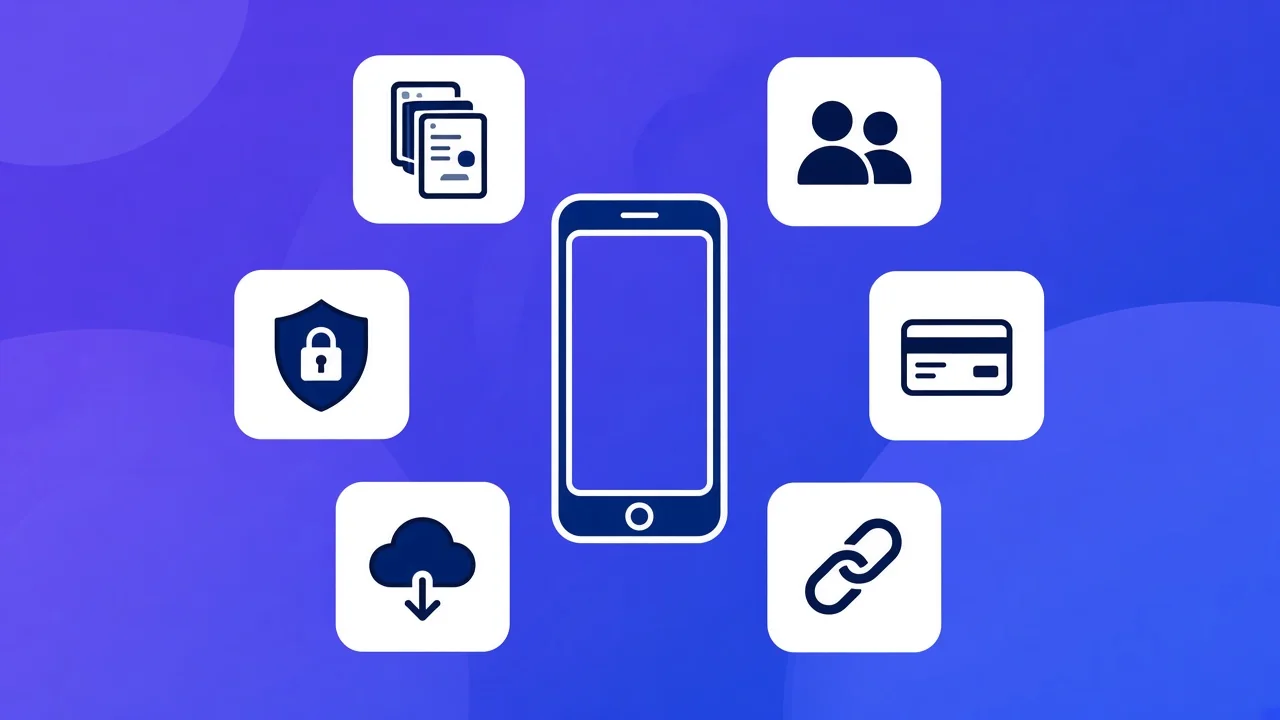
1. Screens and user types
Every screen has to be designed, built and tested. Different user types multiply the work: an app for customers only is simpler than one with customers, staff and managers who each see different things.
2. Accounts and security
Sign-up, login, password reset, roles and data protection are essential when people store personal information. They are invisible when done well and expensive to fix when skipped.
3. Payments
Taking card payments, Apple Pay and Google Pay through a provider such as Stripe adds work for the payment flow, receipts, refunds and GST.
4. Device features
GPS, camera, offline mode, background location and push notifications each need extra development and careful testing on real phones.
5. The back end
Most apps need a server, a database and an admin area behind them. This is often half the project, even though users never see it.
6. Integrations
Connecting to your website, CRM, accounting or booking system saves double entry later, and each connection needs to be built and tested.
| Driver | Keeps cost down | Pushes cost up |
|---|---|---|
| Screens and user types | A handful of screens for one kind of user | Different screens for customers, staff and managers |
| Accounts | No login, or sign-in with email only | Roles, permissions and personal data |
| Payments | None, or a link to pay on the web | Subscriptions, refunds and GST receipts in the app |
| Device features | Camera and notifications | Offline mode, background location and maps |
| Back end | An existing system with an API | A new database and admin area |
| Integrations | One well-documented system | Several systems, or one with no API |
Native, cross-platform or web app?
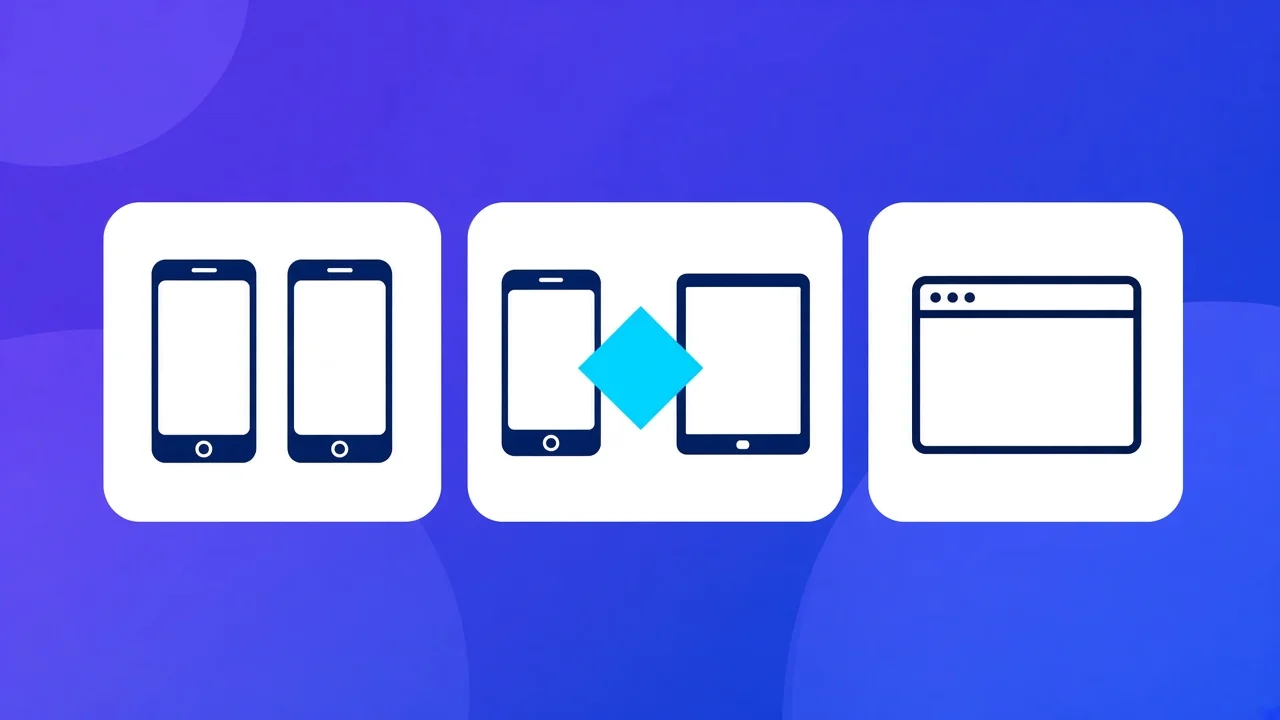
Building separate native apps for iPhone and Android means two codebases and close to double the work. Cross-platform tools such as React Native let one team ship both from one codebase with native performance, which is why we use React Native and Expo for most projects.
A mobile-friendly web app can be cheaper again when you do not need to be in the app stores or use device features such as background location. It is worth asking whether your idea really needs to be an app.
| Native apps | Cross-platform | Web app | |
|---|---|---|---|
| Codebases | Two | One | One |
| In the app stores | Yes | Yes | No |
| Device features | All | Almost all | Limited |
| Relative cost | Highest | Middle | Lowest |
Costs people forget
- Apple and Google developer accounts, and time for app review.
- Hosting, monitoring and backups after launch.
- Updates each year for new phone operating systems.
- Support and improvements once real users arrive.
- Design: good apps are designed before they are built.
How to keep version one affordable
List every feature you want, then mark the ones users need on day one. Build those, launch, and use real feedback to decide the rest. Features you were sure about often turn out not to matter, and that money is better spent on what users ask for.
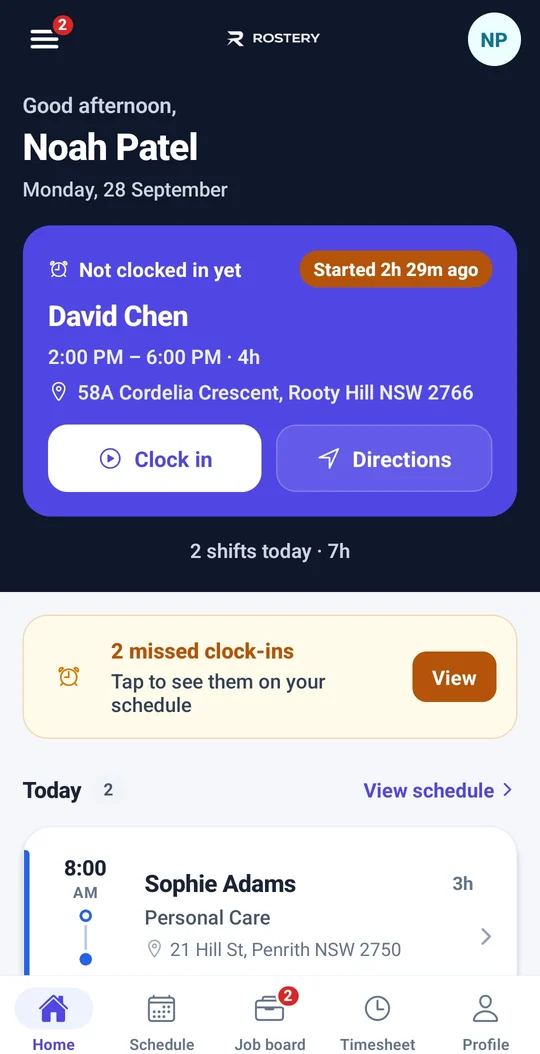
We built and published the Rostery worker app this way. It started with shifts and clock-in, and features such as trip capture, documents and charts were added as providers asked for them.
Our own typical ranges. The scope decides where a project lands.
How to get a reliable quote
A useful quote needs a short scope: who the users are, the main tasks they need to do, and the systems involved. Be wary of a price given without questions. We run a short discovery session, then give a fixed scope and price in AUD before any build starts. Our pricing guide explains how we price.
Questions to ask any app developer
- Will we own the code and the store accounts?
- Who handles App Store and Google Play review?
- What does support cost after launch?
- Can we see an app you have published?
- What happens if the scope changes?
Planning an app? Get a fixed-scope quote from Notion Tech →