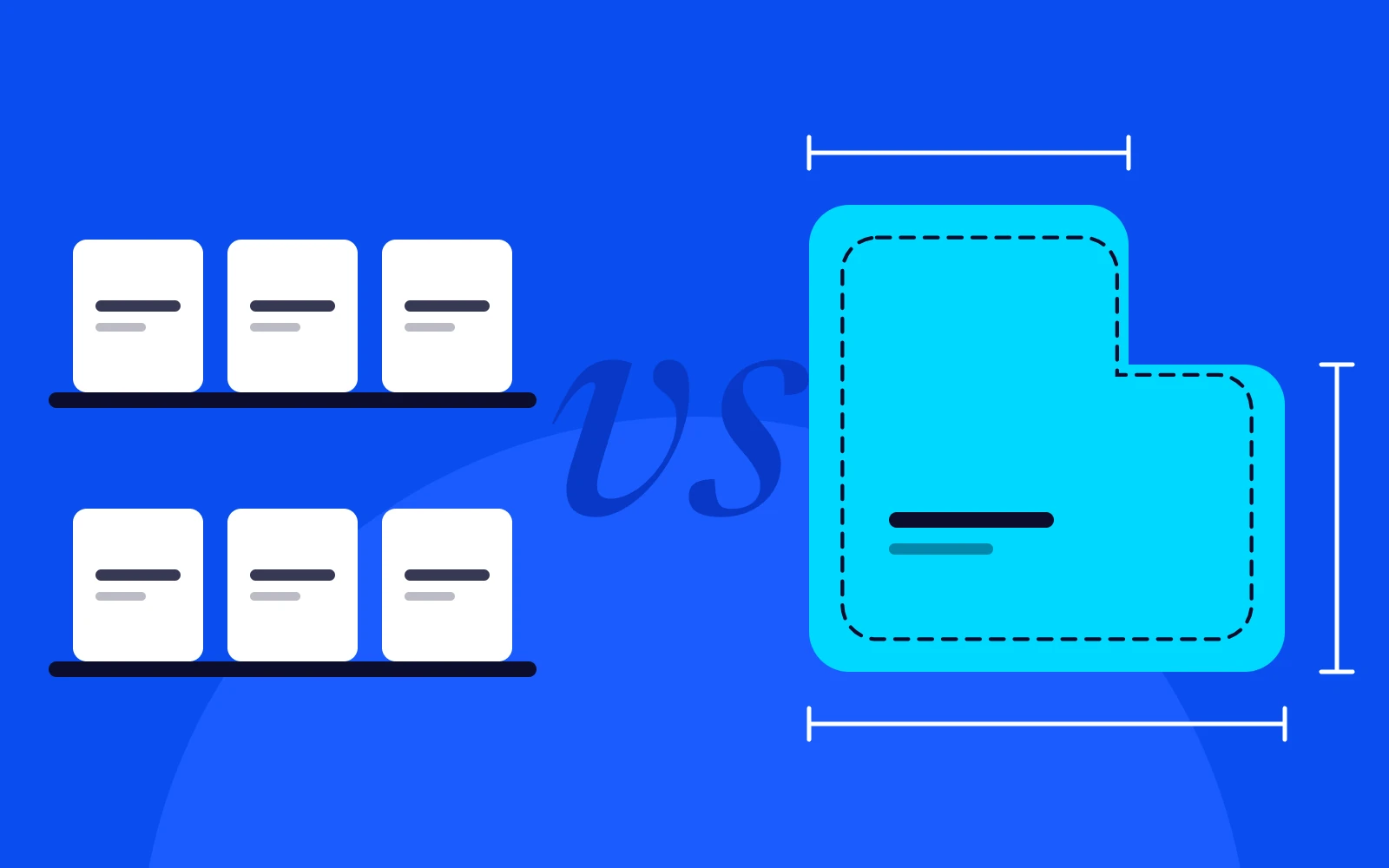
Off-the-shelf software is the right choice when your process is standard and the tool fits well. Custom software is worth it when your process is what makes you different, when staff spend hours moving data between tools, or when subscriptions for half-fitting apps keep growing. This guide gives you a simple way to decide, and a third option many businesses miss. Learn more about our custom software development.
Start with the work, not the software
Write down how a typical job moves through your business, from first enquiry to final payment. Mark every place where someone copies data, checks a spreadsheet or waits for someone else. Those marks show where software is costing you time, and they are the only places worth spending money.
When off-the-shelf is enough
- A popular tool already does 90% of what you need.
- Your process is the same as most businesses in your industry.
- You can adapt how you work without losing anything important.
- The per-user cost stays reasonable as you grow.
Accounting is the classic example. Almost no business should build its own accounting system. Xero or QuickBooks will do the job better and cheaper.
Signs custom software will pay off
- Staff re-enter the same data in several systems.
- You rely on large spreadsheets that only one person understands.
- You pay for several tools that each cover part of the job.
- Your process is a real advantage that tools force you to give up.
- Per-user subscriptions now cost more than building your own.
- You want to sell your system to other businesses as a product.
Off-the-shelf
- Working this week
- A monthly fee per user
- You adapt to the tool
- Price and features are the vendor’s call
Custom
- Working in weeks or months
- Paid up front, then hosting and support
- The tool adapts to you
- You own it and decide what comes next
The real costs on each side
Off-the-shelf
The price looks low: a monthly fee per user. The hidden costs are workarounds, double entry, features you pay for but do not use, and price rises you cannot control. Over five years, a team of twenty on several tools can spend more than a custom system would have cost.
Custom
The cost is up front, plus hosting and support. In return you get software that fits exactly, no per-user fees and an asset you own. The risk is building too much, which is why a focused first version matters.
The middle path: connect what you have
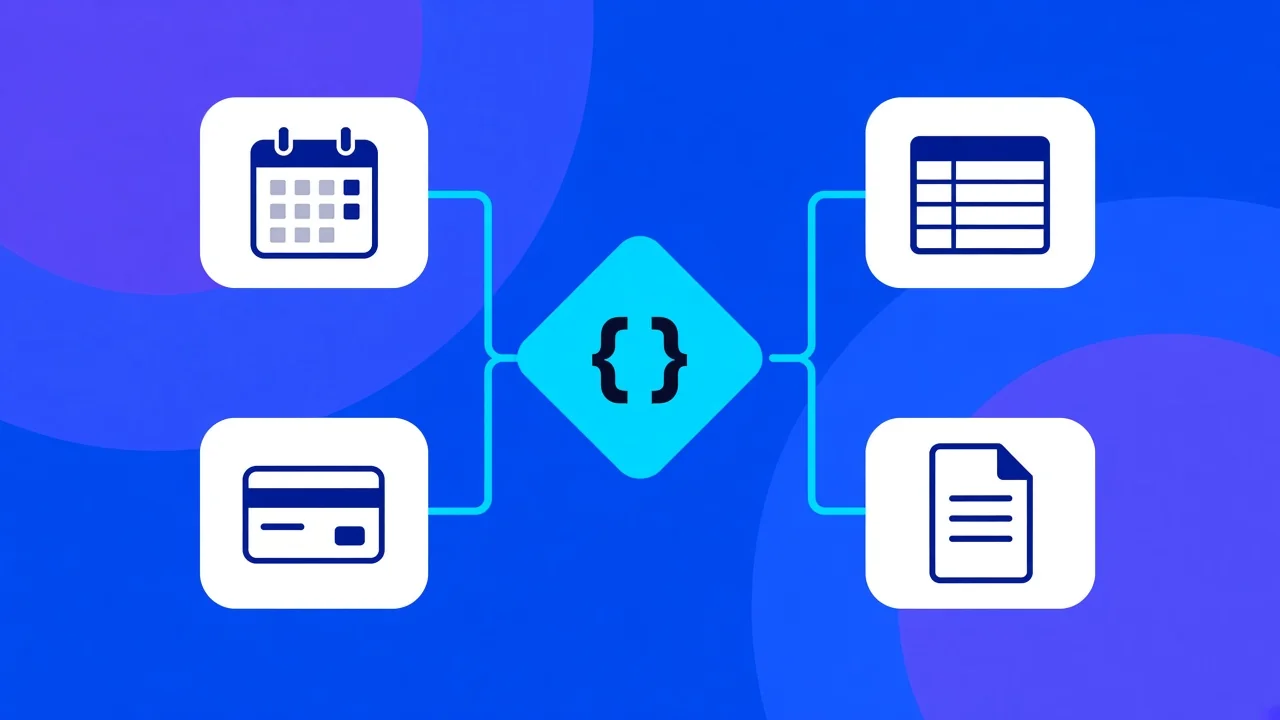
Sometimes the answer is neither. Connecting your existing tools, for example Xero, Stripe and your CRM, can remove most of the double entry for a fraction of the cost. See integrations and APIs and business process automation.
A simple decision test
- If an existing tool fits and the cost is fair, buy it.
- If your tools are fine but do not talk to each other, connect them.
- If your process is unique or the workarounds cost more than the software, build.
| If this sounds like you | Best first move |
|---|---|
| A well-known tool fits and the price is fair | Buy it |
| Your tools work, but staff copy data between them | Connect them |
| You rely on a spreadsheet only one person understands | Replace it with a small custom system |
| Per-user fees keep climbing as you grow | Price a custom build against five years of fees |
| Your process is the reason customers choose you | Build around it |
What we learned building our own
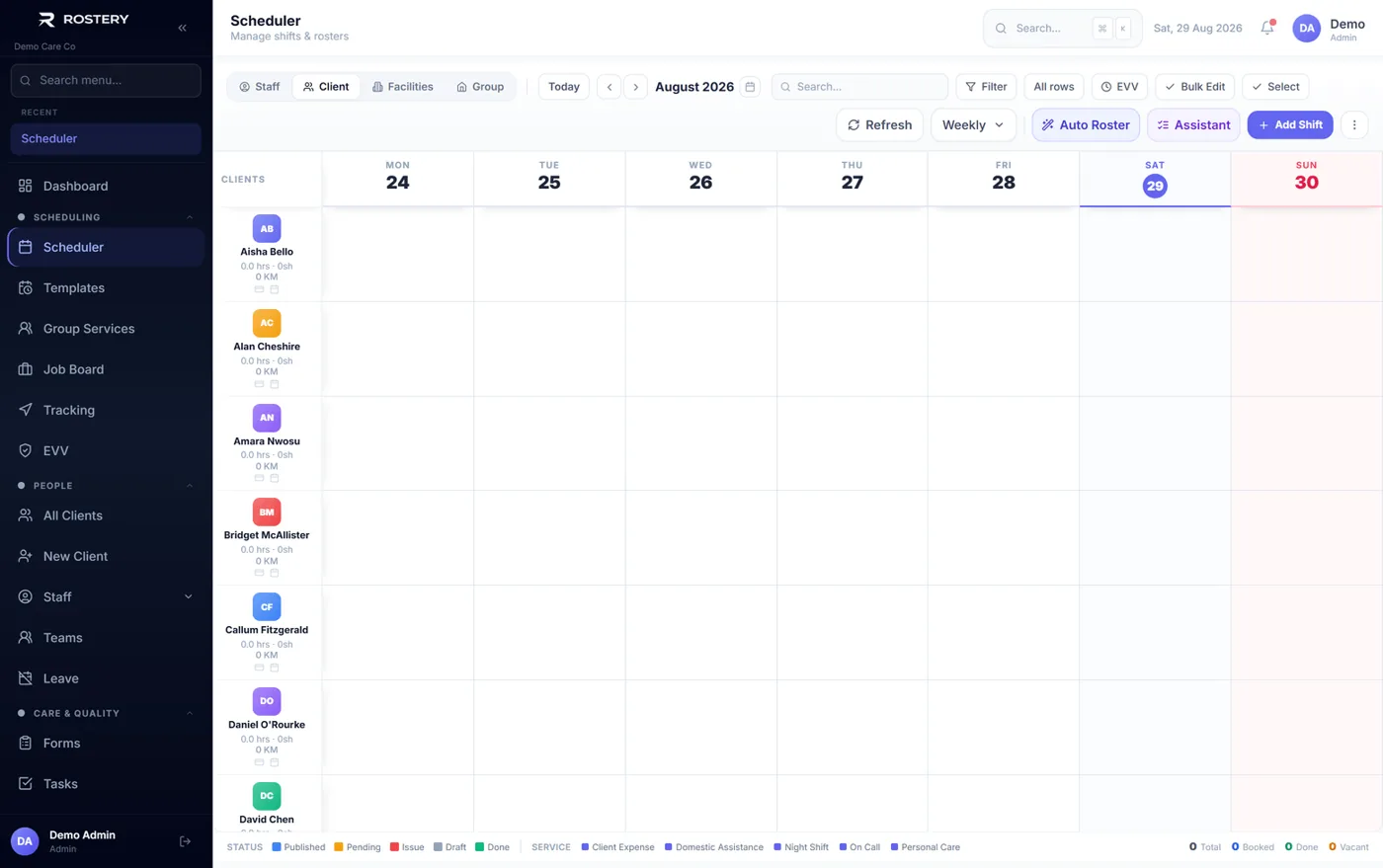
We built Rostery because care providers were running rosters, notes, claims and payroll in separate tools. Bringing the whole chain into one system is what removed the rework. That is the test we apply to every custom project: will it remove a hand-off that costs real time?
If the honest answer is no, we will tell you, and point you to a tool you can start using today.
Not sure which way to go? Book a free call and we will give you an honest answer →