
By the Notion Tech team · Published 22 November 2026 · GitHub star counts and licences fetched from the GitHub API on 22 November 2026 (about 9pm Sydney time)
A year or two ago, getting an AI coding agent to follow your way of working meant pasting the same long instructions into every chat. Now there is a tidier option. You save the instructions once, in a folder, and the agent picks them up when the job calls for them. Those folders are called skills, and Claude Code, Cursor and OpenAI’s Codex all read them.
That has set off a flood of public skill packs on GitHub. Some are official examples. Some are one person’s hard-won habits. A few are close to full methodologies. Several have more than 100,000 stars, which tells you they are popular and very little else.
The short answer: start with Anthropic’s own anthropics/skills repository to see how a good skill is built, pick one pack that matches a real job in your business, and read every file in it before you install it. The rest of this guide sorts 20 well-known repositories by type, tells you what each is for in plain English, and flags the trade-offs. It isn’t a coding tutorial. You won’t need to write a line of code to follow it.
What an agent skill actually is
A skill is a folder. At minimum it holds one file called SKILL.md, which has a name, a short description of what the skill does and when to use it, and then the instructions themselves. A skill can also carry scripts, reference documents and templates. The Agent Skills specification sets out that layout, and it limits the name to 64 characters and the description to 1,024.
The clever part is how skills load. The agent only reads the short name and description up front. It opens the full instructions when your request matches. Cursor’s documentation calls this “progressive” loading, and the Claude Code skills guide makes the same point: a skill’s body loads only when it’s used, so long reference material costs almost nothing until you need it.
Because it’s an open standard, one skill can work across tools. Cursor’s documentation says it also reads skills from Claude and Codex folders. OpenAI’s skills guide says ChatGPT and Codex build on the same open standard. In practice, a pack written for one agent will often run in another, though you should test that rather than assume it.
Think of a skill as a written procedure for a new starter. “When you review a pull request, check these six things in this order.” “When you build a landing page, start from this brand sheet.” The agent still does the work. The skill just stops you repeating yourself and makes the result more consistent.
How we chose these 20, and how to read the numbers
We started from GitHub topic searches for agent skills and kept public repositories with more than 1,000 stars. We then grouped them by the job they do. This is a research list, not a lab test. We haven’t installed or benchmarked these packs. The descriptions below come from each repository’s own README and GitHub description, and where a claim is the author’s own, we say so.
Star counts and licences in this article were pulled from the GitHub API on 22 November 2026. They move daily. A star is a bookmark, and nothing more. It shows attention, not quality, safety or fit for your business. Several of the repositories below have counts that are very large for projects of this age, so treat the number as a hint about visibility and nothing else.
One more caution on licences. GitHub only reports a licence when it can detect one in a standard file. For a few repositories it reports none, which doesn’t mean “free for any use”. It means you need to read the repository yourself.
Read this before you install anything
A skill is instructions plus, often, scripts that run on your machine. That makes it closer to installing software than to downloading a document. Anthropic’s Agent Skills documentation is blunt about it: “Use Skills only from trusted sources: those you created yourself or obtained from Anthropic.” For anything else it says to “exercise extreme caution and thoroughly audit it before use”.
Anthropic’s list of things to look for is worth keeping next to your keyboard:
- Review every bundled file, including scripts, images and other resources, not just SKILL.md.
- Watch for unexpected network calls, unusual file access, or actions that don’t match what the skill says it does.
- Be wary of skills that fetch data or instructions from external web addresses, because that content can change after you’ve reviewed it.
- Treat a skill that touches sensitive data or production systems with the same care as any new software.

None of this means community skills are bad. Most are written by people sharing something useful. It means the person approving the install carries the responsibility, and for a business that person should be someone who can actually read a script, or who has asked someone who can. If your team’s agents can reach customer records, your accounting system or your ad accounts, a skill with an unchecked script is a real risk. Our guide to approval patterns for AI agents covers how to keep a person in charge of what an agent can do.
The official starting point
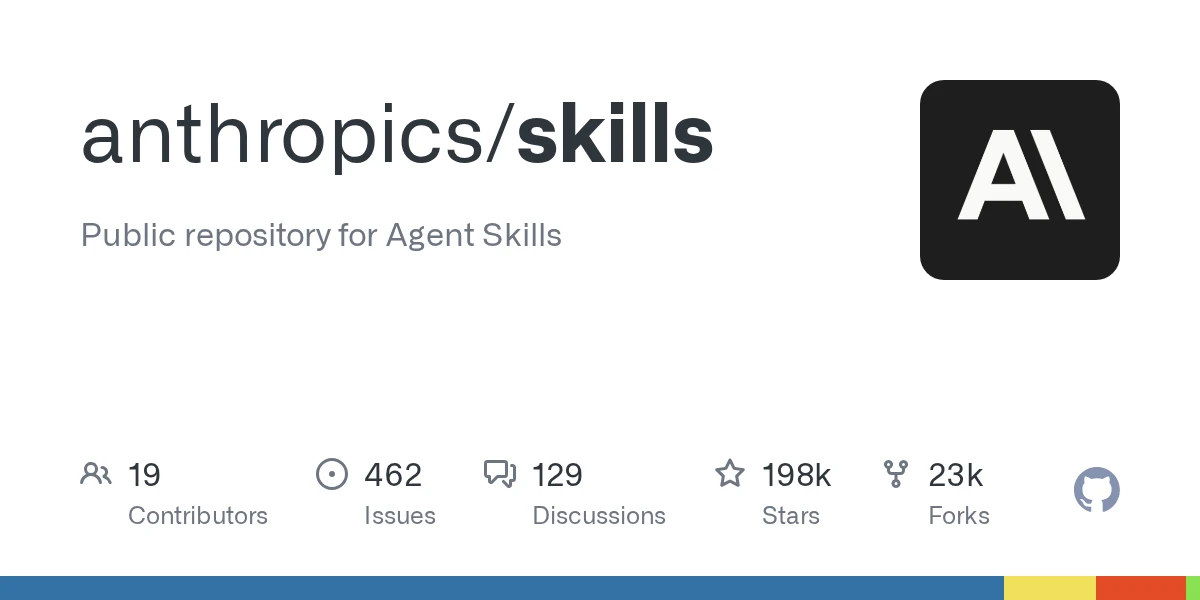
anthropics/skills
anthropics/skills is Anthropic’s public repository of skills for Claude. The README says it exists to show what’s possible with Claude’s skills system, with examples running from creative work such as art and music to technical jobs such as testing web apps, and on to enterprise workflows. It also includes the document skills for Word, PDF, PowerPoint and Excel files, published as a reference for more complex skills.
Read it first, even if you never install a thing from it. It shows the format and conventions that most other packs copy. Anthropic’s own disclaimer matters too: the skills are provided “for demonstration and educational purposes only”, and what Claude does in the product may differ.
Collections and directories
These four are lists of other people’s skills, not skills in themselves. They’re useful for browsing, and they’re also the place where you’re most likely to land on something unmaintained, so check dates.
- ComposioHQ/awesome-claude-skills is a curated list of Claude skills, resources and tools for customising Claude workflows. It’s a good first stop when you want to see what the community has published. Open the links and check when each skill was last updated.
- hesreallyhim/awesome-claude-code collects resources for Claude Code, including skills, agents, status lines, tooling and plugins. It’s aimed at people who already use Claude Code and want a map of the surrounding ecosystem. The author says it has no affiliation with Anthropic.
- travisvn/awesome-claude-skills is another curated list, with a focus on Claude Code. GitHub shows its last update as 28 April 2026, so some links may be stale. Use it to cross-check the other two lists, not as your main source.
Coding and software engineering
This is the biggest group, which isn’t surprising: coding agents are where skills took off. If your business is paying developers or an agency, these are the packs that change how work gets done.
- obra/superpowers describes itself as a complete software development methodology for coding agents, built on a set of composable skills. Its README says the agent shouldn’t jump straight into code. It asks what you’re trying to do, shows you a spec in readable chunks, then writes a plan and works through it with test-first habits. It lists install steps for more than a dozen tools, including Claude Code, Codex, Cursor and Gemini CLI. Two things worth knowing: the README mentions commercial services from the authors, and it discloses an optional, opt-out telemetry request that reports the Superpowers version in use when an optional visual feature loads a logo.
- addyosmani/agent-skills offers production-oriented engineering skills for AI coding agents, published by Addy Osmani. It lays out a workflow of define, plan, build, verify, review and ship, with slash commands for each stage. It’s a good fit for teams that want a checklist-minded approach, and it sits comfortably next to Anthropic’s examples.
- OthmanAdi/planning-with-files is a focused skill that makes the agent keep its plan and findings in Markdown files. The point is recovery: after the chat is cleared, the agent can pick up from those files. It suits long jobs that outlast a single conversation.
- alibaba/open-code-review is the odd one out. It isn’t a skill pack. It’s an AI-assisted code review tool that reads Git changes and writes line-level review comments using a language model you configure. We’ve included it because it turns up in the same searches. The README claims it grew out of Alibaba’s internal review assistant and that it beats a general-purpose agent on precision while using about a ninth of the tokens. Those are the authors’ claims from their own benchmark, and the README itself notes that recall is lower. We haven’t verified them.
Design and UI
A whole sub-genre has grown around one complaint: AI-built websites all look the same. These packs try to fix that.
- Leonxlnx/taste-skill bills itself as a skill that pushes coding agents toward more considered, professional-looking company websites instead of generic landing pages. It works through art direction, reference images and a browser check. Its README says the example pages use photographs found in open archives and credited by the skill. The “Figma and xAI level” quality line is the author’s claim. Treat it as a design helper, not a replacement for a designer.
- pbakaus/impeccable calls itself a design vocabulary for your coding agent. You steer with commands such as polish and bolder, then review with critique and audit. The README shows a side-by-side example built by the same model from the same brief, with and without the skill. It lists a long run of supported tools. It’s one for product teams who have an agent writing interface code.
- emilkowalski/skills is a smaller, author-curated set of skills for designers and engineers, from Emil Kowalski. The README says it draws on his years working at companies including Vercel and Linear. It’s a sensible pick if you’d rather have a short list from a known practitioner than a giant registry.
- cathrynlavery/diagram-design draws diagrams as a single, self-contained HTML and SVG file, and it can be set up to match your brand. The README now lists 51 diagram types, up from the 45 in our earlier research. You ask in plain words for an architecture diagram or a quadrant of projects by impact and effort. It’s a handy way to get presentation-ready diagrams without opening a design tool.
Writing and content
- blader/humanizer rewrites text to remove common signs of AI writing. Its README says it’s built on Wikipedia’s guide to spotting AI-written text, and it’s candid that it edits for human readers and doesn’t try to beat AI detectors. It can smooth the surface of a draft. It won’t fix a weak argument. If you publish content, a human editor still earns their keep.
- latent-spaces/brag turns a project you’ve just built into a short launch video, with music, motion and share copy, using one command. The README also points to a hosted service that runs it for you, which suits non-developers but is a separate offering from the free skill.
- chuspeeism/dashi-ppt-skill generates browser-editable presentations from visual themes, with export to HTML, PDF and PowerPoint. The main README is in Chinese, with an English version linked. The licence is AGPL-3.0, which comes with strong sharing obligations, so read it before you build anything commercial around it.
Marketing, SEO and growth
- coreyhaines31/marketingskills is a library of marketing skills covering conversion optimisation, copywriting, SEO, analytics and growth engineering. The library is free and MIT-licensed. The README says funding comes from verified partners whose tools are listed alongside neutral options, and it describes rules meant to stop that influencing what the core skills recommend. Good to know before you take its tool suggestions at face value.
- AgriciDaniel/claude-ads is a skill for Claude Code that reads your ad account data and reports what’s working, what’s broken and what to fix first, across twelve ad platforms. The README says it reads and reports, and doesn’t change your accounts on its own. You’ll still need access to those accounts, and anything it suggests should be reviewed before it goes live.
- ScrapeCreators/social-media-research-skills gives agents research workflows for social media: finding outlier posts, mining comments, tearing down competitors and looking at ad libraries. The README says it’s powered by ScrapeCreators, a commercial data service, so expect to need an account with them. Only collect data you’re allowed to collect.
Science, data and analysis
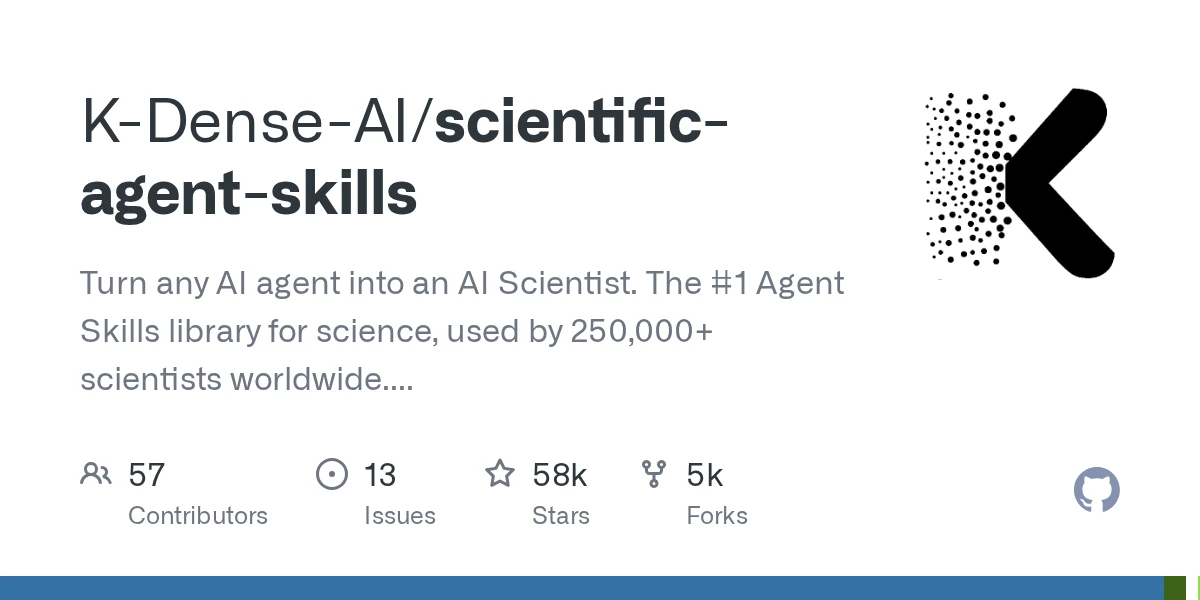
K-Dense-AI/scientific-agent-skills
K-Dense-AI/scientific-agent-skills is a large library of skills for scientific work. The README says it covers 177 skills and more than 100 scientific databases, and that it works with any agent that supports the open Agent Skills standard. It was previously named Claude Scientific Skills. The README also makes claims about how many scientists use it. We haven’t verified those, and the number isn’t needed to judge whether it fits your research.
If you work in biotech, health or research, this is the pack to look at. Everyone else can skip it.
Automation and DevOps
- Agents365-ai/drawio-skill turns plain descriptions, code, infrastructure definitions and API specs into editable draw.io architecture diagrams. The README describes it as going well beyond one-off generation, with syncing that keeps your manual layout. It’s a practical fit for IT teams that need current architecture diagrams and never get round to drawing them.
All 20 repositories at a glance
Stars and licences are from the GitHub API on 22 November 2026. “None detected” means GitHub found no standard licence file, so check the repository before reuse.
| Repository | Type | Stars (22 Nov 2026) | Licence (GitHub) | What it’s for |
|---|---|---|---|---|
| anthropics/skills | Official examples | 198,694 | None detected (README says many skills are Apache 2.0) | Learning the skills format from Anthropic |
| ComposioHQ/awesome-claude-skills | List | 80,035 | None detected | Browsing community Claude skills |
| hesreallyhim/awesome-claude-code | List | 58,562 | Other (GitHub: NOASSERTION) | Claude Code resources and tools |
| travisvn/awesome-claude-skills | List | 15,901 | None detected | Second directory; last updated April 2026 |
| obra/superpowers | Coding | 323,981 | MIT | A full agent software development method |
| addyosmani/agent-skills | Coding | 119,654 | MIT | Engineering workflow skills, define to ship |
| OthmanAdi/planning-with-files | Coding | 28,185 | MIT | File-based plans that survive a cleared chat |
| alibaba/open-code-review | Coding (tool) | 55,222 | Apache-2.0 | AI-assisted code review of Git changes |
| Leonxlnx/taste-skill | Design | 119,872 | MIT | Better-looking agent-built websites |
| pbakaus/impeccable | Design | 114,711 | Apache-2.0 | Design commands to steer and review UI work |
| emilkowalski/skills | Design | 58,729 | MIT | Skills for designers and engineers |
| cathrynlavery/diagram-design | Design | 70,002 | MIT | Branded diagrams as HTML and SVG |
| blader/humanizer | Writing | 72,113 | MIT | Editing AI-sounding text |
| latent-spaces/brag | Writing | 22,195 | MIT | Short launch videos from a finished project |
| chuspeeism/dashi-ppt-skill | Writing | 10,925 | AGPL-3.0 | Editable slide decks |
| coreyhaines31/marketingskills | Marketing | 61,944 | MIT | SEO, copy, conversion and analytics |
| AgriciDaniel/claude-ads | Marketing | 11,223 | MIT | Read-only ad account audits |
| ScrapeCreators/social-media-research-skills | Marketing | 6,952 | MIT | Social media research workflows |
| K-Dense-AI/scientific-agent-skills | Science | 58,074 | MIT | Research and life science workflows |
| Agents365-ai/drawio-skill | DevOps | 10,895 | MIT | Editable architecture diagrams |
Which type should a business start with?
The right pack depends on the job, and on who’s responsible if it goes wrong. This table is our rule of thumb, not a ranking.
| If you want to | Start with | Why | Main thing to watch |
|---|---|---|---|
| Understand skills before choosing | anthropics/skills | Official examples and conventions | Examples are for demonstration, not turnkey products |
| Make a developer’s agent more disciplined | addyosmani/agent-skills or obra/superpowers | Both set a repeatable workflow rather than one-off prompts | Both change how the agent works, so trial them on a low-risk project |
| Keep long jobs from losing their place | planning-with-files | Plans live in files, not just in chat | Only worth it for jobs that run across sessions |
| Improve how agent-built pages look | impeccable, taste-skill or emilkowalski/skills | They target the “generic AI page” problem | You still need a human eye and brand rules |
| Draft marketing and SEO work | marketingskills | Wide coverage, MIT licence | Partner tools are listed, so check recommendations for bias |
| Audit paid media | claude-ads | Reports back without changing accounts, per its README | Needs ad account access; review before acting |
| Produce diagrams | diagram-design or drawio-skill | Output you can open and edit | Check the result against your real systems |
The honest trade-offs
Popularity isn’t proof. A repository with 300,000 stars can still be wrong for your team. Look at the last update date, open issues and who maintains it. Two lists in this guide were last pushed months ago.
More skills can mean worse results. OpenAI’s documentation says Codex builds an initial list of skill names and descriptions, uses at most 2% of the model’s context window for it by default, and shortens descriptions or even leaves some skills out if you install too many. Other tools may handle this differently, but the lesson holds: install what you use.
Behaviour is shaped by the model. A skill is advice written in words. A different model or a new release can follow it differently. Impeccable’s own example names the model it used for that reason. When your tools update, spot-check the skills you rely on.
Commercial strings are common. Several of these free packs link to paid services, partner tools or sponsors: Superpowers mentions commercial services, brag points to a hosted version, marketingskills has verified partners and ScrapeCreators needs a ScrapeCreators account. None of that is wrong. It does mean “free and open source” and “free of sales” aren’t the same thing.
Licences differ. Most of the 20 are MIT or Apache-2.0, which are permissive. Dashi is AGPL-3.0. A few show no licence on GitHub. If you plan to ship a skill inside a product or give it to clients, get the licence checked.
An Australian angle
A skill that reads customer data, scrapes social platforms or touches ad accounts raises the same questions as any other new tool. Where does the data go? Who approved the access? Can you show what the agent did? Our summary of Australia’s AI safety rules for business is a decent place to check your obligations, and we’ve written separately about the 10 December privacy rule on AI decisions about people. We’re not lawyers, and this isn’t legal advice.
For an agent that works with your own systems, the safest habit is a small one. Give it the narrowest access that gets the job done, keep a log, and have a person approve anything that moves money, contacts a customer or changes a record.
A sensible way to start
- Read anthropics/skills. Twenty minutes with the official examples will make every community pack easier to judge.
- Pick one job. Code review, landing pages, diagrams or ad audits. One pack, one job.
- Have someone read every file. That includes scripts. If nobody on your team can, ask your developer or agency to do it.
- Trial it on something low-risk. A throwaway project, a draft rather than a live site.
- Write down what changed. Did the output improve? Did it cost more time or more model usage? Keep it or remove it based on that.
- Re-check every few months. Skills get updated, and so do the tools that run them.
How we can help
We help Australian businesses put AI agents to work on real jobs, and that includes choosing and vetting the skills and tools behind them. If you want a second pair of eyes on a skill pack before it goes near your systems, talk to our AI agents and automation team. If the work involves connecting an agent to your accounting, CRM or rostering software, our integrations and API development service covers that side. New to agents? Start with AI agents for small business, or read how MCP and A2A let agents work with other systems.
Repository descriptions in this article come from each project’s GitHub page and README, and the skills specification and vendor guidance were checked against the linked Anthropic, OpenAI, Cursor, Claude Code and Agent Skills pages on 22 November 2026. Star counts and licences were fetched from the GitHub API on 22 November 2026. We haven’t installed or tested the repositories. Repository preview images are GitHub’s own preview cards, credited in their captions. This article is general information, not legal advice.